Quick Start
This section will guide you through the steps to scan your first product with CodeWeTrust C2M.
Prerequisites
- OS: Linux, Windows, macOS
- CPU: x64, Arm64 (including Apple Silicon)
- RAM: 8 GB
- Docker Engine
Install and Run
- Make sure that Docker is installed and running on your machine. You can download Docker Desktop from here.
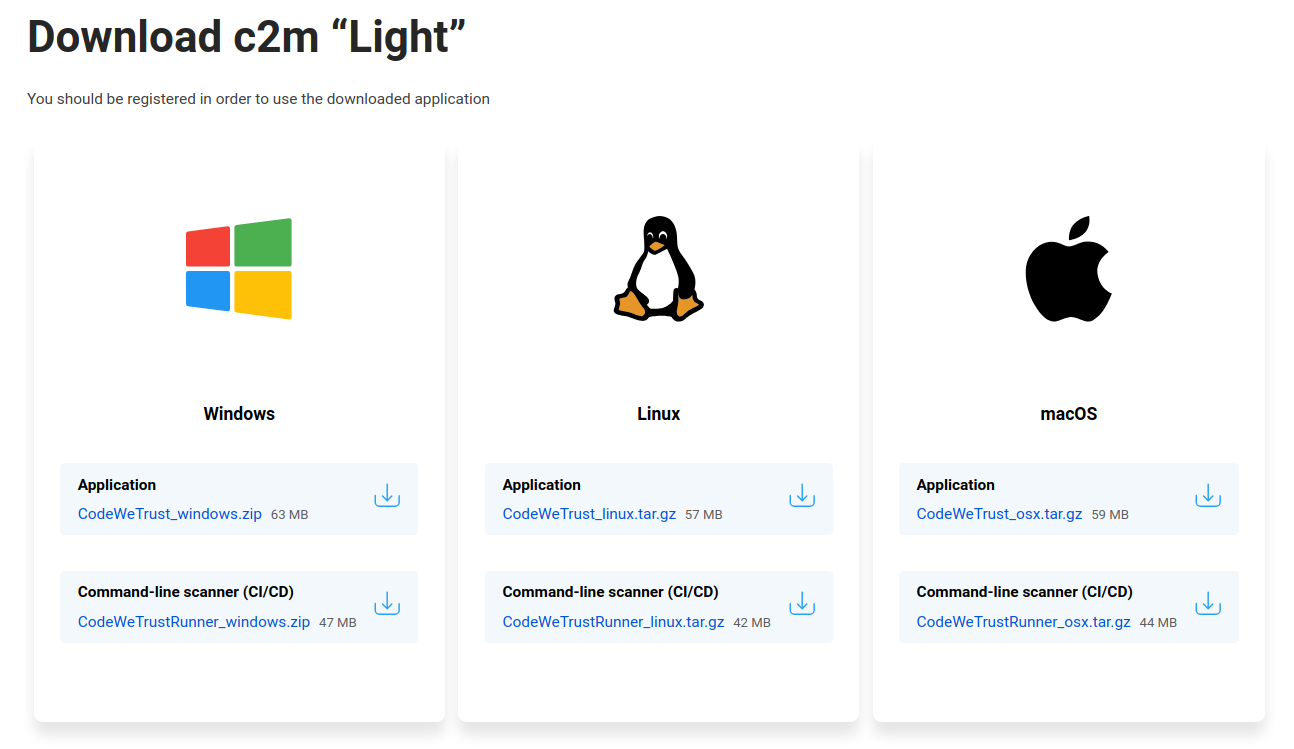
- Download C2M Application for your OS: codewetrust.com/download
- Unpack the downloaded file into a new directory and run the application:
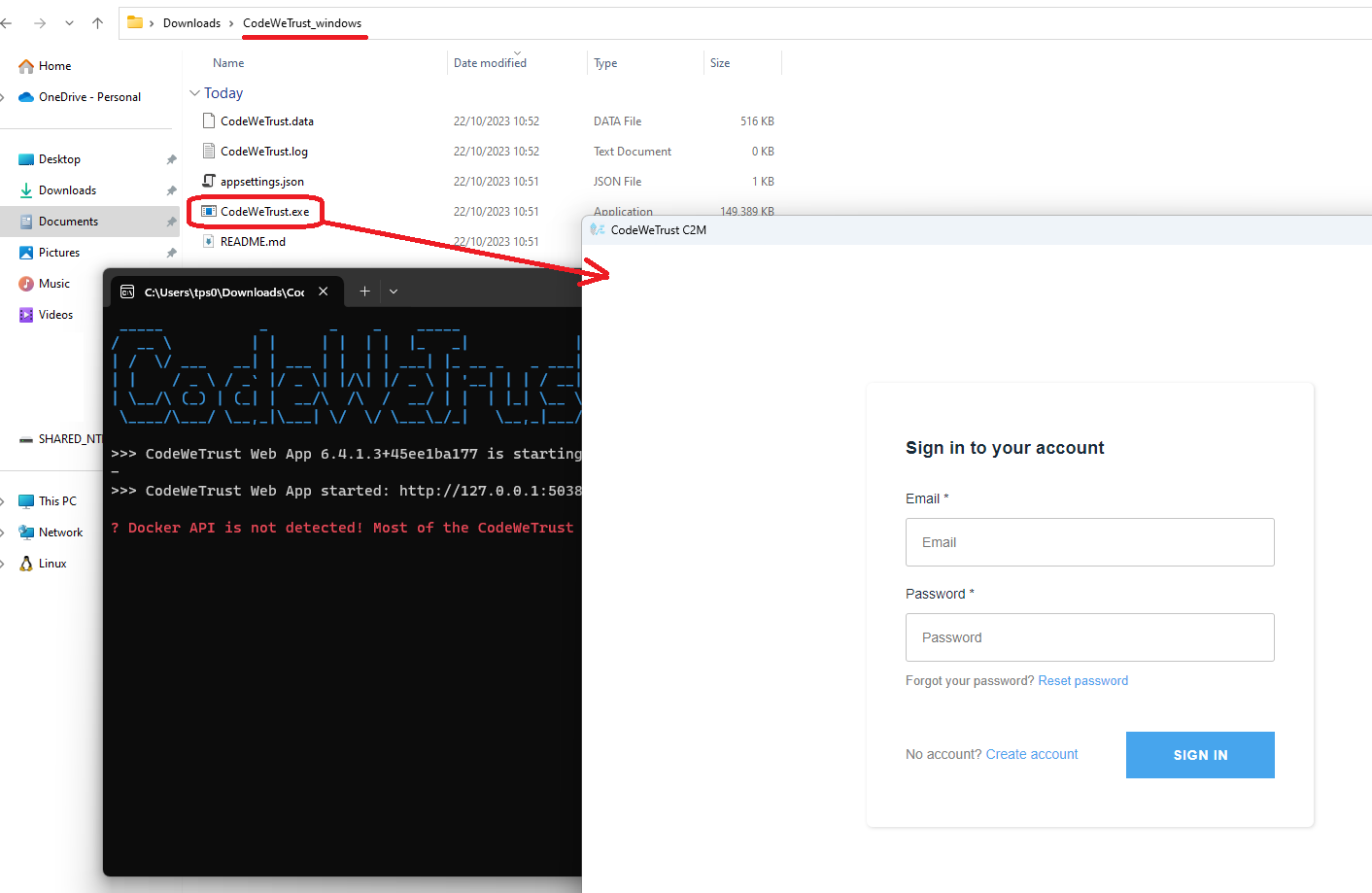
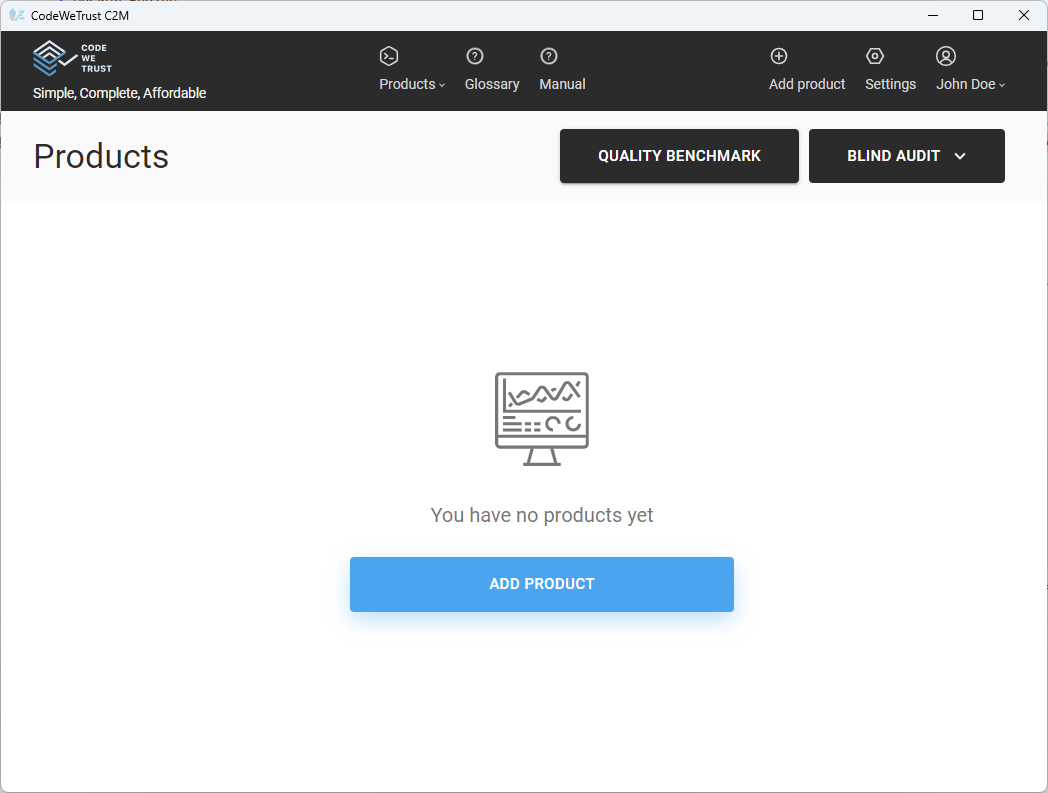
- Create an account, if necessary, and log in. You should see an empty dashboard:
Scan a Product
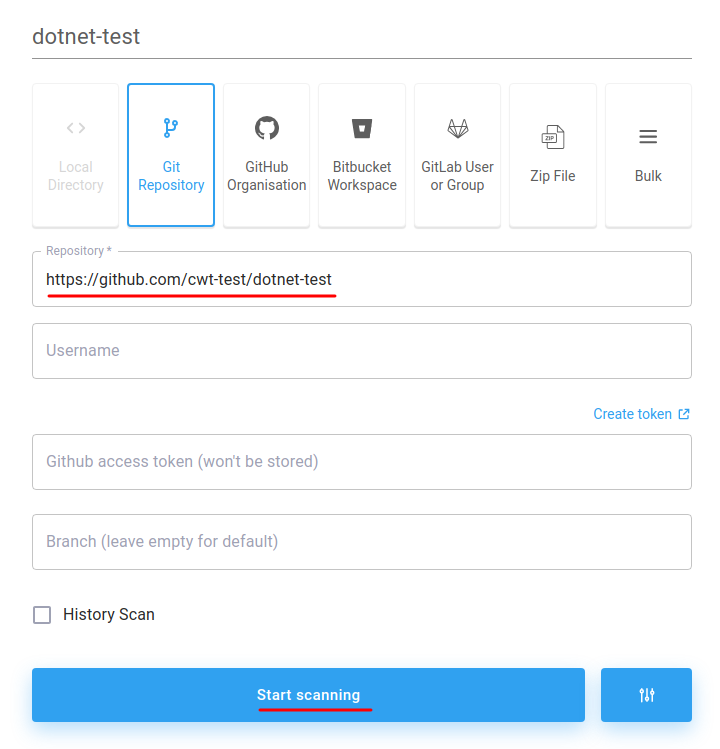
- Click "Add Product"
- Paste
https://github.com/cwt-test/dotnet-testinto the Repository field- This is a small sample project that should take a couple of minutes to scan
- Click "Start Scanning":
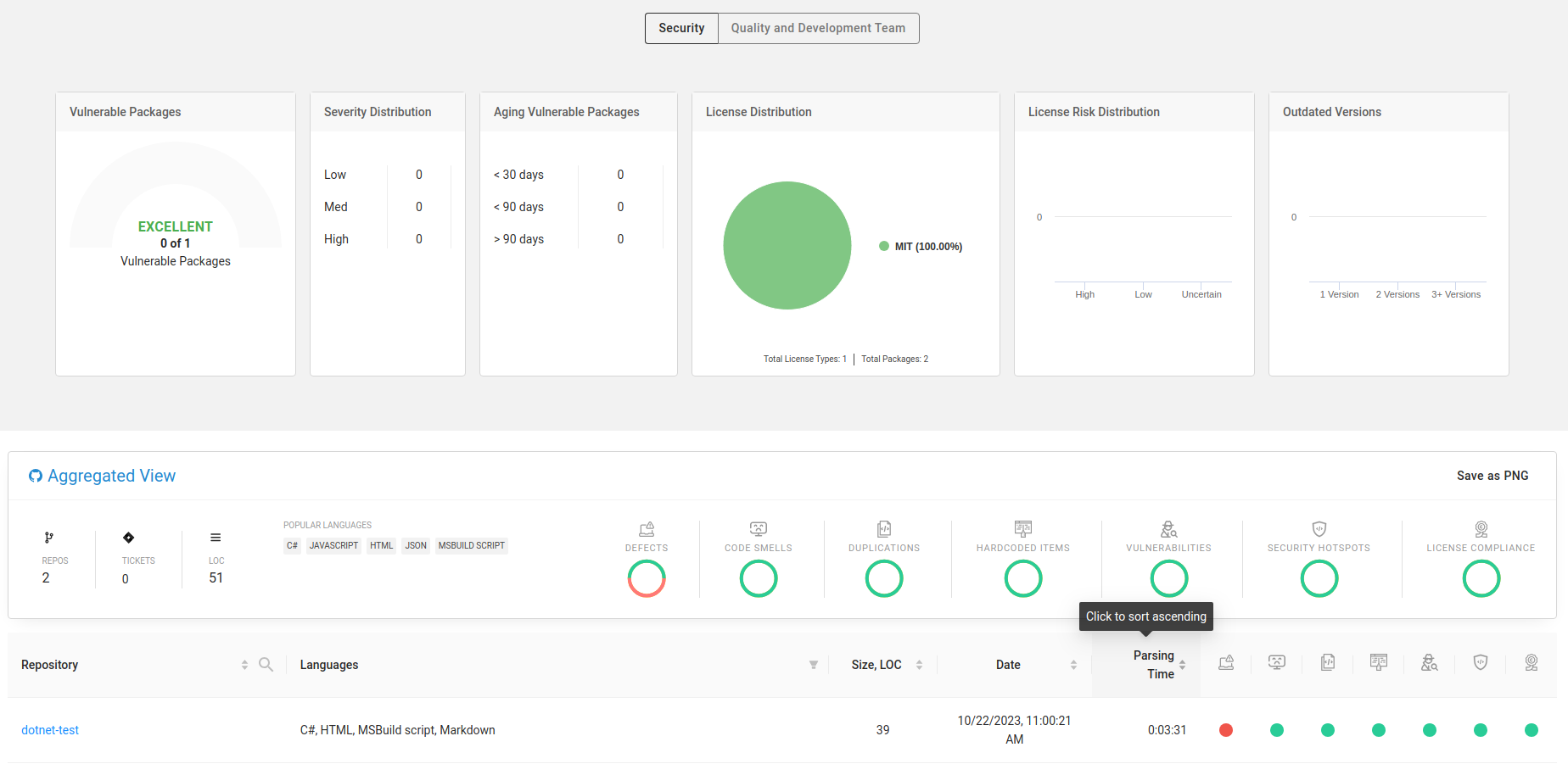
- Wait for the scan to complete and explore the results: